





関連記事
-
-
(日本語) Twenty Fourteenカスタマイズ用プラグインと派生テーマ
Sorry, this entry is only available in 日本語.
-

-
(日本語) プラグイン関連のJSやCSSの読み込みをフィルター
Sorry, this entry is only available in 日本語.
-
-
(日本語) 「Google Analytics for WordPress」投稿URLにやたら長いパラメータがついてしまう
Sorry, this entry is only available in 日本語.
-
-
(日本語) Twenty Twelve 投稿日・投稿者を非表示に
Sorry, this entry is only available in 日本語.
-
-
(日本語) アバターサイズの変更など Twenty Twelve 1.3での変更点
Sorry, this entry is only available in 日本語.
-
-
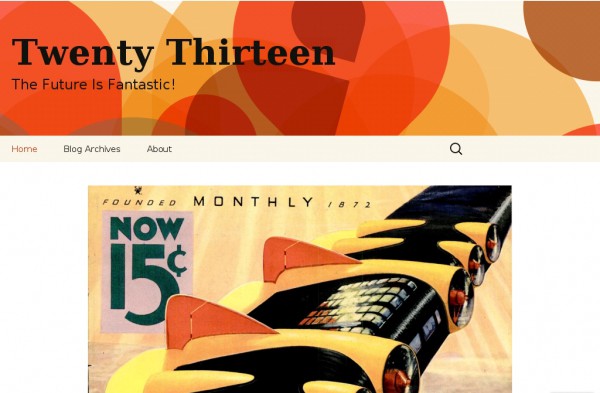
(日本語) テーマ ブックマーク 2013
Sorry, this entry is only available in 日本語.
-

-
(日本語) 「タグクラウド」ウィジェット カスタマイズ
Sorry, this entry is only available in 日本語.
-

-
(日本語) 「最近のコメント」ウィジェットをカスタマイズ
Sorry, this entry is only available in 日本語.
-
-
(日本語) Twenty Ten カスタマイズ
Sorry, this entry is only available in 日本語.
-
-
(日本語) 投稿タイトルのtitle属性を削除など Twenty Twelve 1.2での変更点
Sorry, this entry is only available in 日本語.






Comment
wp管理画面
https://t.co/eGysK1jqmm
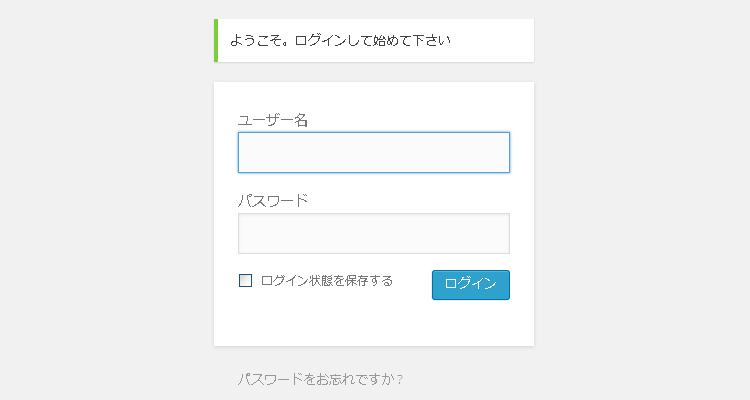
管理画面のCSSをカスタマイズ https://t.co/cfHIJq36ZZ #pocket2twitter
レスポンシブの管理画面を無効化したい https://ja.forums.wordpress.org/topic/137463
1件のコメント http://t.co/MwHDsboBvR “WordPress | 管理画面のCSSをカスタマイズ | Think deeply, Do less, More effective” http://t.co/3USvD1YnGh
管理画面
テーマ下に空CSSファイルを作成し、そこに変更したい要素のスタイルを追加していきます。 このCSSは/wp-admin/css/下のCSSを読み込んだ後読み込まれるため、変更する部分だけ記述して下さい。